AI-generated editorial illustration, not a product test or customer case. Any displayed timings are illustrative, not measured results.
Your designer has sent a brand folder. The printer has asked for artwork. Forwarding the whole folder may look thorough, but it can leave the supplier choosing between old logos, screen graphics and files intended for a different background.
A custom tape artwork handoff needs one clear production candidate and a named person who can answer design questions.
Name the three decisions
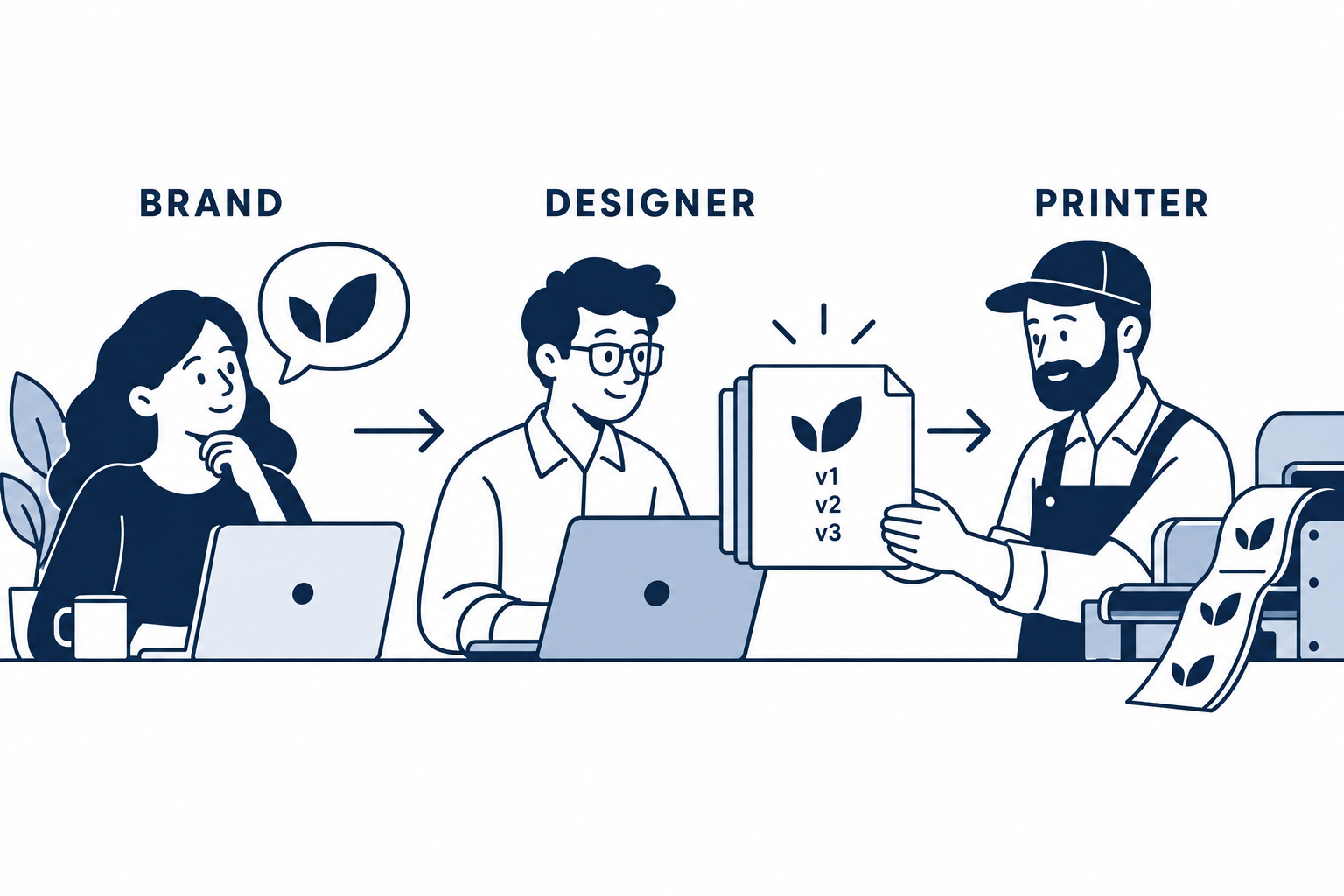
The brand decides what the customer should see. The designer prepares the intended artwork and clarifies its design references. The printer reviews what can be produced for the selected tape configuration.
Keep those roles visible even when one person fills several of them. A supplier should not have to decide whether a small tagline is essential to the brand. A designer should not assume that a screen mockup confirms the available print result.
Choose one person to communicate final approval for the order.
Send a selected packet, not an archive
Include the intended artwork, an ordinary visual reference showing what it should look like and a note naming the active version. Keep historical versions out of the upload selection.
Ask the designer to identify any linked files, fonts or other assets the production file depends on. Resolve missing assets through the designer rather than assuming the printer has the same setup. Confirm the supplier’s accepted file workflow; an extension alone does not establish readiness.
Keep the editable source in your own controlled records. The file supplied for production and the brand’s working design archive serve different purposes.
Describe what may change
Separate essential elements from preferences. The business name may need to stay intact, while the spacing between repeats may need discussion. If the tagline cannot be reproduced clearly at the selected width, ask for alternatives before approving it.
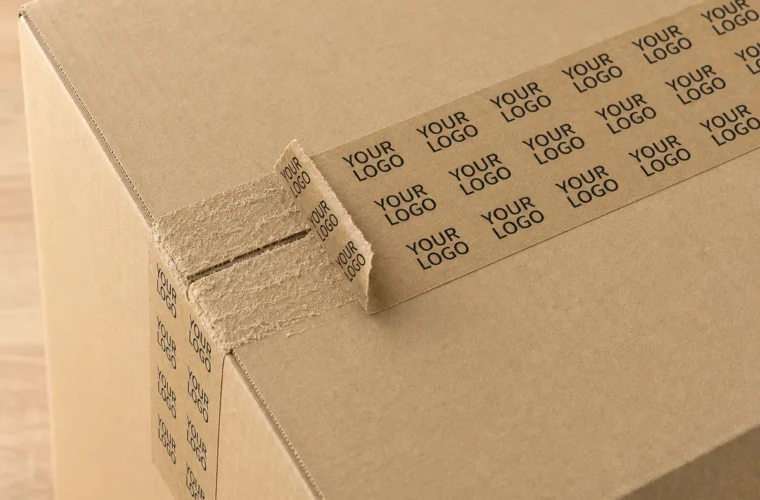
For custom packing tape with logo, the paper background is part of that discussion. A white-screen reference does not show every effect of the actual kraft surface.
BrandTapeCo offers one-color, two-color and full-color printing, with 48 mm and 60 mm online widths. Those options do not establish the exact result for every supplied design. The layout still needs review.
Route corrections through one version
When the printer raises a question, return it to the person who can resolve it. Record the answer in the next file or proof version rather than leaving a decision scattered through separate conversations.
Use a short change note:
- The version being replaced.
- The requested change.
- The elements that should remain unchanged.
- The person who will review the revised proof.
Do not send a revised file while leaving an earlier approval unexplained. Ask the supplier to acknowledge which version is now under review and what the order stage allows.
Close the handoff before ordering again
After approval, save the accepted proof, production file reference and tape configuration together. Tell the designer which version was actually used, particularly if the printer adjusted the layout with the brand’s agreement.
For a later order, start from that approved record. A folder called final is not enough if several people have added newer files.
If the agency relationship changes, make sure your business can still locate the relevant artwork and references. This is a records-management task; file ownership and usage permissions should be resolved through the applicable agreement, not inferred from possession of a download link.
Frequently Asked Questions
Should I upload every logo file the agency supplied?
Select the intended version and useful references. Keep unrelated and obsolete artwork out of the production upload.
Can the printer approve a brand change for me?
The business should identify who can authorize design decisions and production approval.
Does a vector file remove the need for a proof?
No. The selected layout, tape configuration and artwork still need review.