
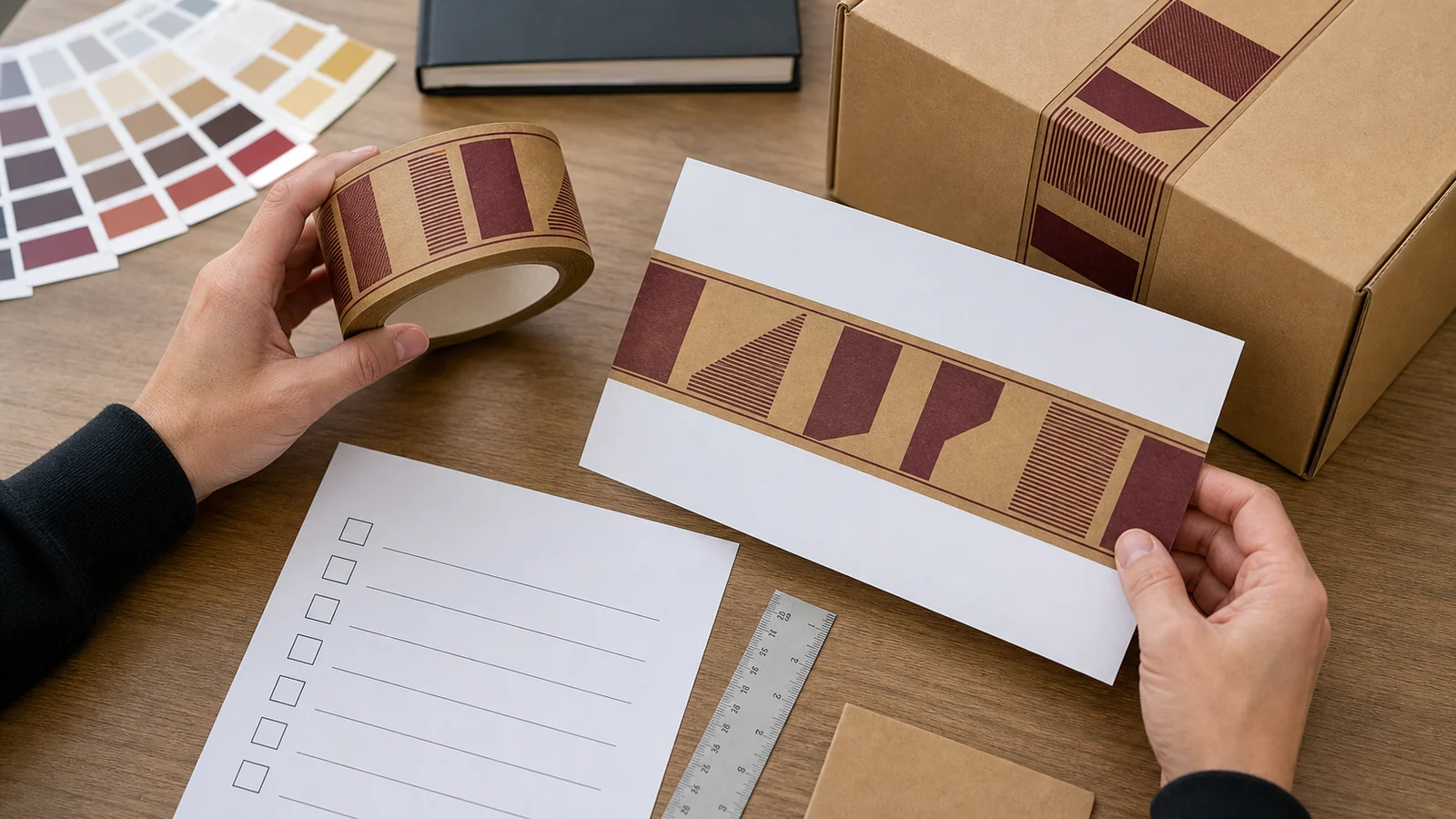
A digital proof is the point to catch artwork mistakes before printed tape goes into production. Approve the actual version attached to your order, not a logo file, website mockup or earlier email. For BrandTapeCo’s standard online product, first confirm whether the order is for 48 mm or 60 mm tape, 50 m per roll and at least five rolls per design and color. Other widths, including 72 mm, are not available.
1. Match the proof to the order
Check the order number, selected width, standard or reinforced kraft paper, print option, number of rolls and artwork file name. If two colors, two brands or two versions are being ordered, keep separate records for each configuration. A correct-looking logo on the wrong width or color option is still the wrong proof.
The digital proof is for artwork layout approval. It does not by itself prove tape performance on your carton, exact screen-to-print color matching, or compatibility with your dispenser. Resolve those questions separately if they matter to the purchase.
2. Read every printed element at its real scale
- Check brand name spelling, web address, punctuation, legal marks and any small text character by character.
- Verify the logo is the intended version and has not been stretched, mirrored or clipped.
- Check the orientation: which way will the design read after a strip is placed across the carton seam?
- Review repeat spacing and the point where a dispenser may cut through a logo or sentence. If a full mark must remain visible on every carton, test representative strip lengths instead of relying on the whole-roll preview.
- Compare the layout against both the 48 mm and 60 mm possibilities only if both are genuinely under consideration; approve the version matching the ordered width.
3. Treat color references as references
Supply a named color reference or a physical reference if color matters. Check that the proof identifies one-color, two-color or full-color printing as ordered. A monitor image and a digital proof cannot guarantee the final ink appearance on brown kraft paper; ask sales what kind of physical sample or color confirmation is feasible before making a strict color commitment to your own customer.
4. Make corrections in one traceable round
Send a numbered list tied to the proof version. For example: “Proof v2, item 1: correct the URL ending; item 2: move the logo so it is not cut at our 45 cm strip length.” This is an illustration of how to write feedback, not a claim about a real order. Ask for a revised proof and review the entire layout again; one correction can shift another element.
Do not write “looks fine” to one person and send a different file to another. Nominate one final approver, save the approved PDF or image, and quote its version/date in the approval reply.
5. Know what approval starts—and what it does not
BrandTapeCo normally sends a digital proof about one business day after receiving the order and usable artwork. Typical production is about 5–7 business days after proof approval; shipping time is separate and depends on the destination. These are planning estimates, not guaranteed arrival dates. If the art, configuration or destination changes, ask for a revised schedule before promising delivery.
If you need a roll length other than the standard 50 m, discuss feasibility and a separate written quote with sales before approving a standard online order. A different width is not offered as a custom exception.
Approval record to keep
| Check | Record |
|---|---|
| Order specification | Width, material, 50 m roll, print option, rolls per design/color |
| Artwork | Source file name, proof version/date, spelling and orientation checked |
| Repeat and cut | Representative strip length checked against carton seam |
| Color | Reference supplied and any physical-match limitations understood |
| Approval | One named approver, written approval date, final proof saved |
| Open questions | Sample, dispenser, delivery or separate length quote resolved before production |
Need to confirm the product itself before approving artwork? See the roll specification checklist. Ready to order a standard configuration? Review the live product options.